

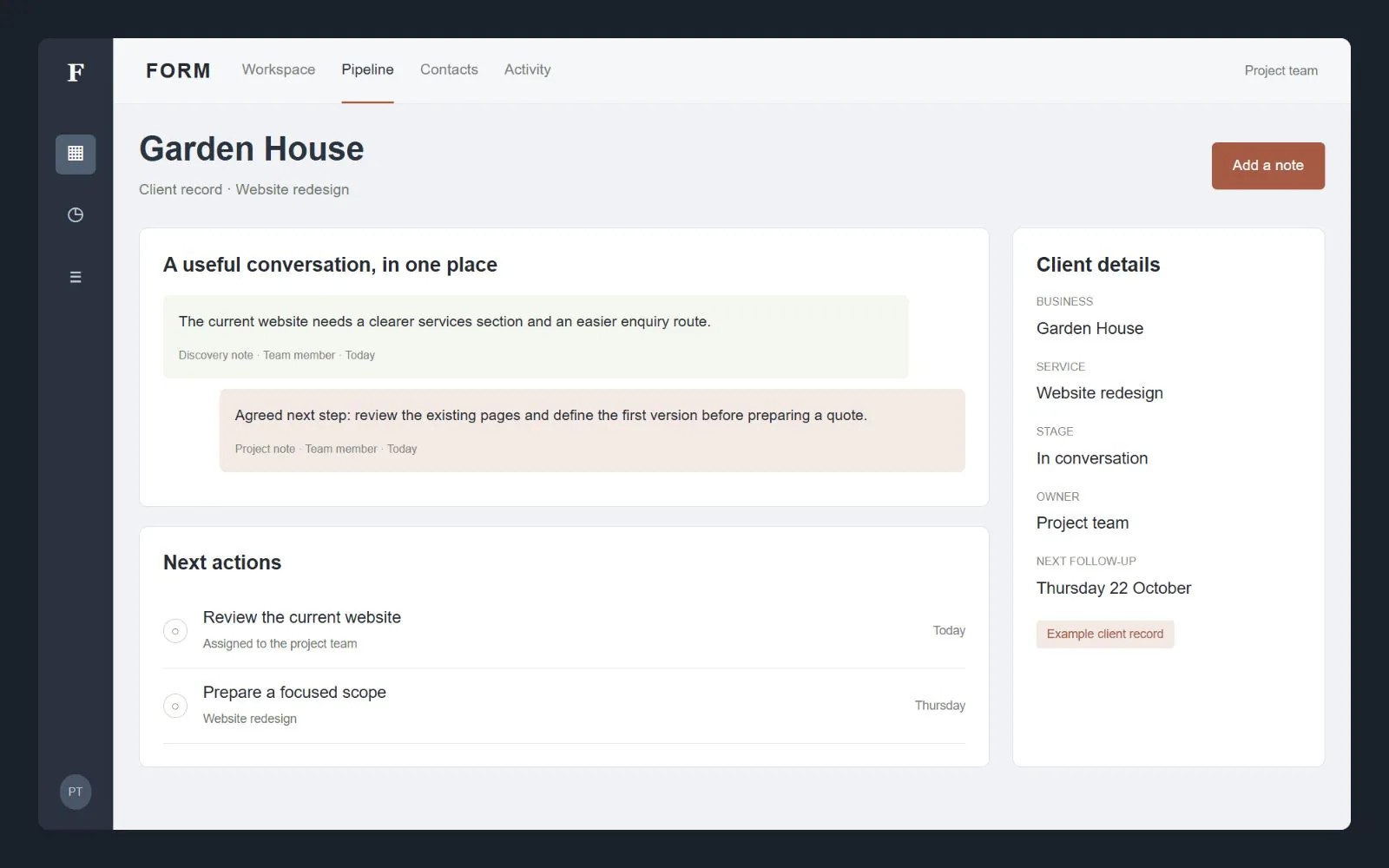
Records and workflow
Agreed contact fields, enquiry stages, ownership, notes and task requirements.
The fields, records and next actions your team needs.
Bring enquiries, client information and follow-up into a workflow your team understands. A CRM starts with the way you work, rather than a dashboard full of features you do not need.
Designed for businesses across the UK. Scope, ownership and next steps agreed before the build. Interface concepts shown with sample data.
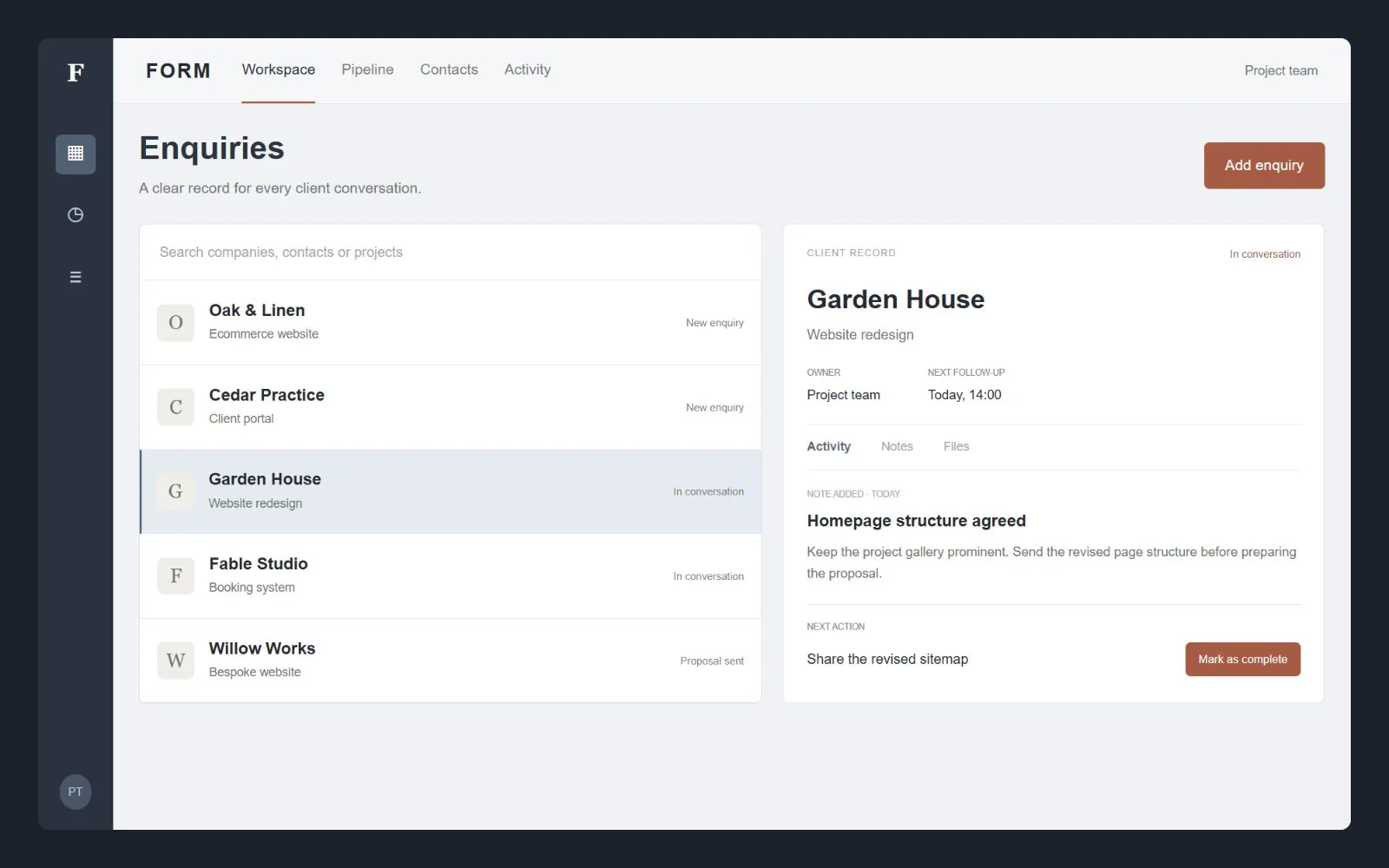
If useful information lives across spreadsheets and inboxes, the first job is to understand the records and responsibilities. We scope client management around the fields, stages, ownership and actions the team actually needs. We also assess whether configuring an existing CRM is a better fit than custom development.
From a new enquiry to an organised next step.
Agreed contact fields, enquiry stages, ownership, notes and task requirements.
The fields, records and next actions your team needs.
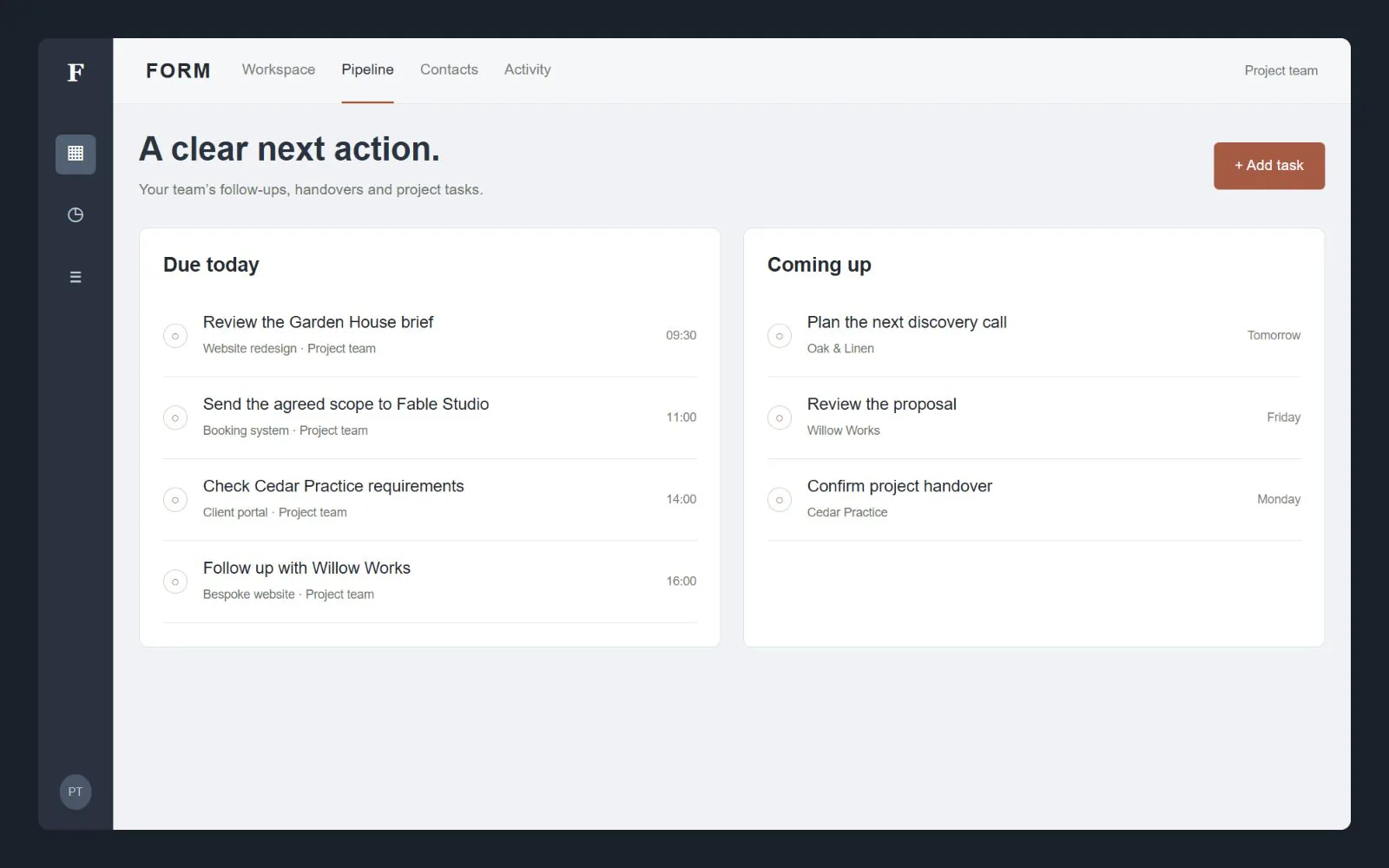
User roles, appropriate access and the activity information your team needs to review.
Permissions matched to responsibilities, with useful history.
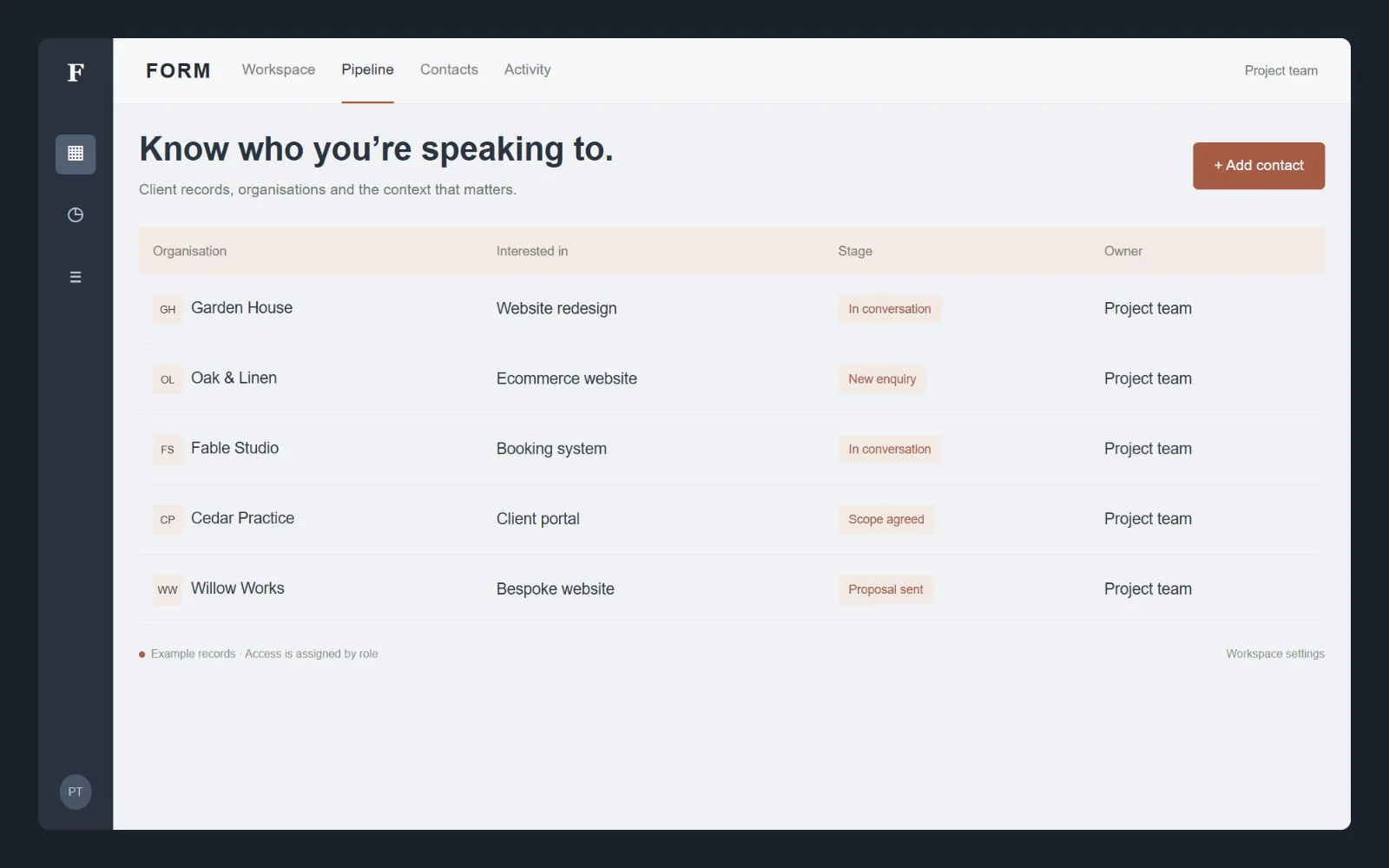
Review data quality and scope supported links to website forms, booking or other tools.
Imports and integrations reviewed before anything is moved.
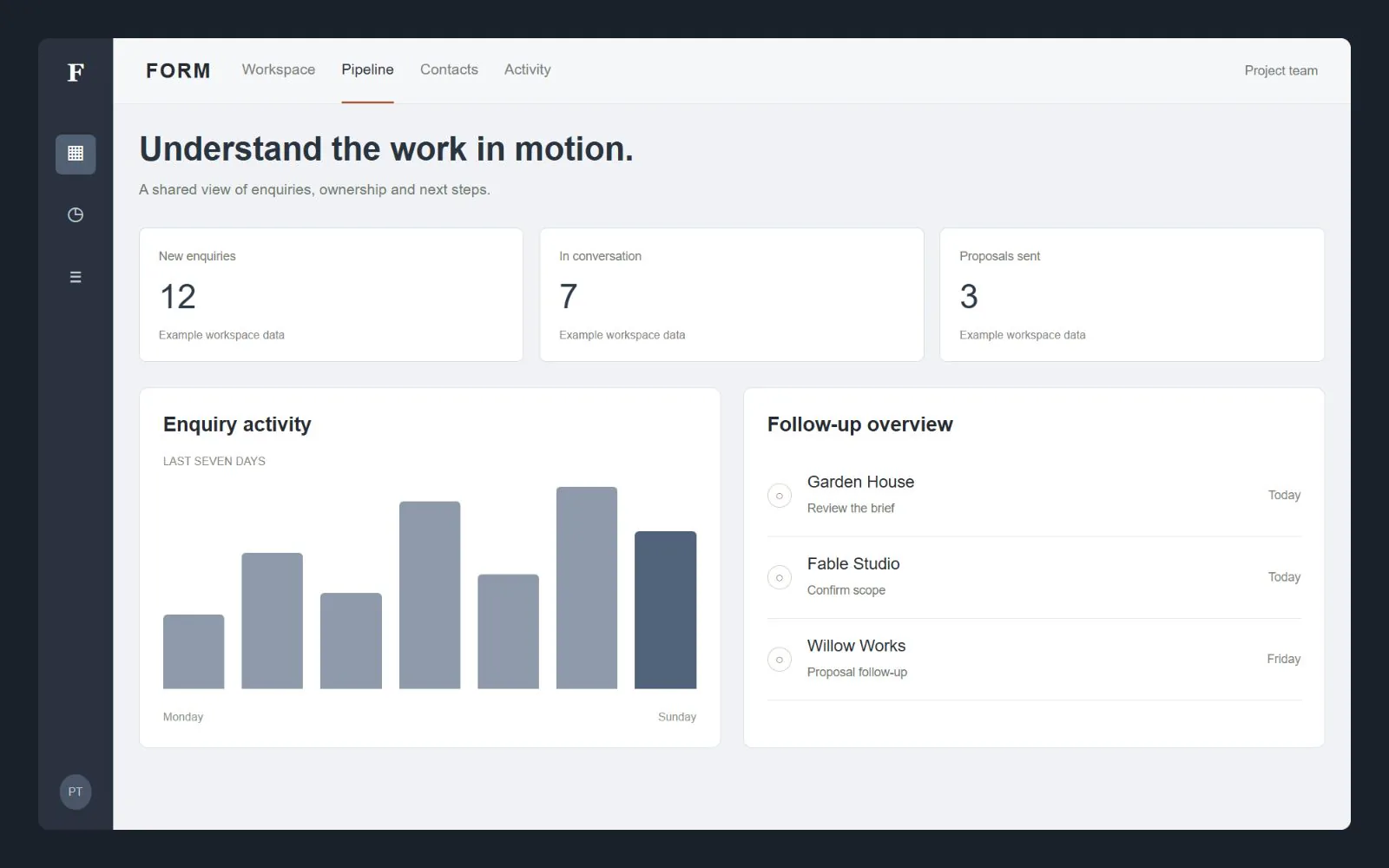
A customer relationship management system should make it easier to find a client, understand the conversation and take the next action. We map the stages your team already uses, then define the records, statuses, tasks and views that support that work. A dashboard full of unrelated features is not a substitute for a useful workflow.
The brief identifies who creates and updates records, which information is necessary and who can see it. A small service team may need enquiry tracking and follow-up tasks; another business may need project handover or a connection to its booking system. Those are scoped decisions, not automatic inclusions.
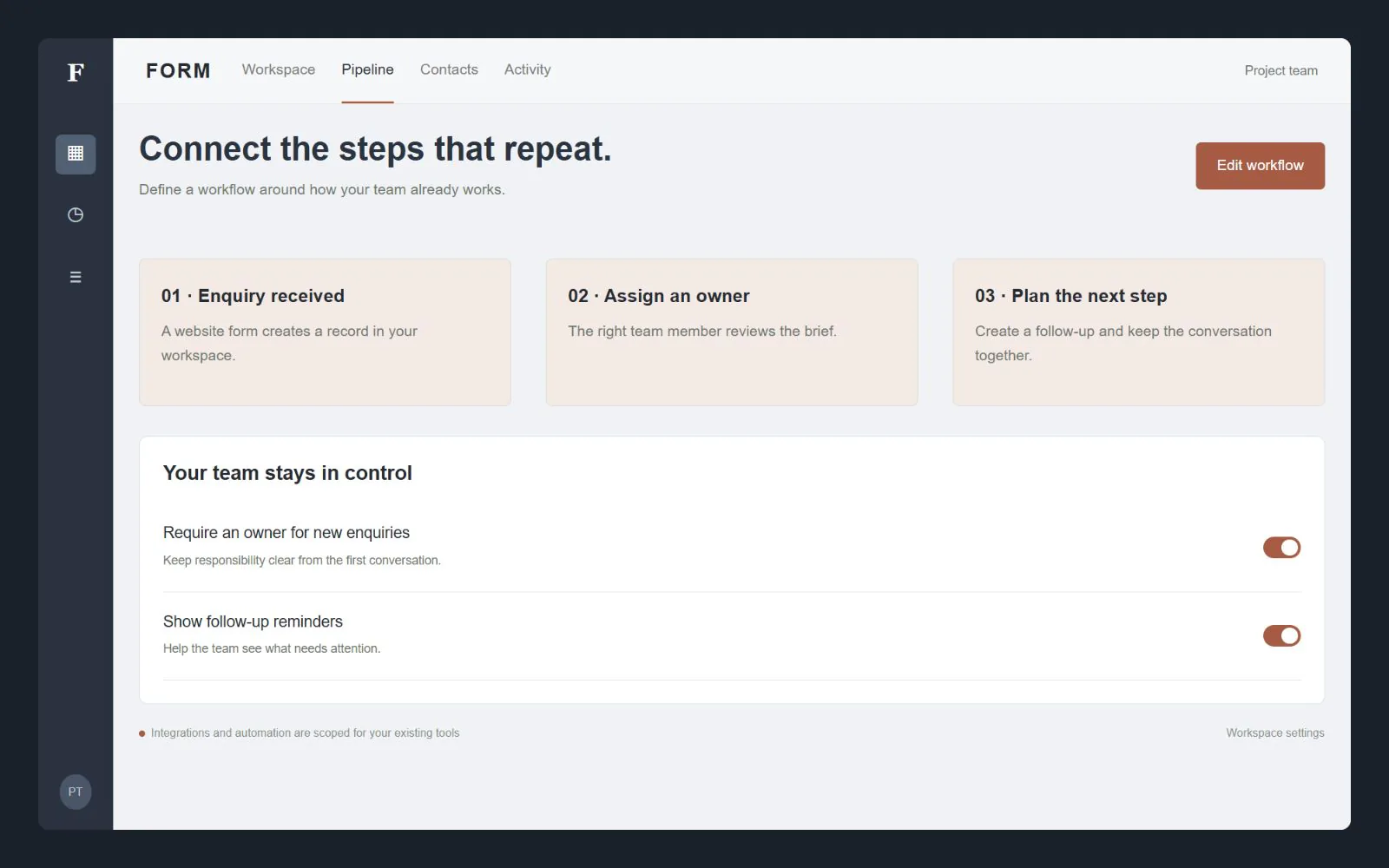
Moving from a spreadsheet requires more than uploading a file. We agree the fields, record relationships, duplicate handling and any data that should be excluded. A trial import can help validate the mapping before the agreed live migration. Your business remains responsible for confirming what data it is entitled to use.
We also plan role-based access, useful change history, export requirements and the way the system will be supported. Existing CRM software may already meet the need at a lower implementation cost, so we compare that option before recommending a custom build. Licences, hosting, integrations and maintenance are identified separately in the quote.
A CRM is mainly used by your team to manage relationships and work. A portal gives customers access to selected information about their own account. Booking handles appointment availability. They can work together, but permissions, data flows and responsibilities must be scoped rather than treating all three as the same product.
A useful brief makes the quote clearer. Share what you have, what customers need to do and who will manage the website or system after launch.
CRM projects are quoted after the workflow and data requirements are understood. Imports, automation, licences, infrastructure and ongoing support are listed in the agreed scope.
Practical answers before you decide on the next step.
We compare the required workflow, supported integrations and ongoing cost. Custom development is useful when it solves a real gap; it is not automatically the simplest option.
No. Booking and client management have different jobs. Shared records or an integration can be agreed as additional scope.
We first inspect its structure, quality and permissions. Field mapping, duplicate handling, validation and a safe import process are then scoped.
We agree the required export formats, fields and access permissions when scoping the system. Data ownership and the practical handover arrangements should be clear before development.
We can scope roles and access rules around what each user needs to do. Sensitive fields, exports, record ownership and change history should be considered explicitly.
Only the workflows agreed in the scope. Message triggers, consent, human review, provider limits and failure handling need to be defined before automation is enabled.
Share the requirement and your current setup. We can then agree the useful first version, the scope and the next step.